eBay plugins and template add-ons built in CSS, with no scripts
eBay template add-ons are small features built into your listing description, such as image zoom, tool tips, condition graphics and category menus. We build them in plain HTML and CSS, so they keep working under eBay’s active content rules, and you see a free preview first.


Why it matters
What eBay template add-ons can still do
Sellers used to call them eBay plugins: a zoom box on the main photo, a live feedback feed, a gallery of other items that refreshed by itself. Most of them ran on JavaScript or loaded content from another server. eBay began blocking active content in new listings in June 2017 and has since removed it from existing ones, so add-ons built that way either went blank or now stop the listing from being saved.
Plenty of what those add-ons did can be rebuilt with HTML and CSS alone, which eBay still accepts. A photo can open larger when a buyer taps or clicks it. A term such as “OEM” or “refurbished grade B” can show a short note when a buyer taps or points at it. A condition graphic can show where an item sits between new and for parts. A menu can list your store categories by brand, size or vehicle and send buyers straight to them. All of it works without a script, and the only thing it loads from outside eBay is your own images, from a secure address.
Some old add-ons can’t come back in any form, because eBay doesn’t let a description fetch live data. For those, eBay’s own features now do the job: your feedback profile, your store categories, and the featured items and promotions you set in Seller Hub. We tell you which is which before any work starts.
We have designed eBay listing templates since 2005, in-house in New Jersey, and the add-ons are part of that work. They go into a new template we design for you or into one you already have, and we put the updated template on your existing listings without relisting.
Tell us about your storeWhat you get
Image zoom
A larger view of a photo when a buyer taps or clicks it, made with CSS only.
Tool tips
Short explanations of terms, grades and options, so buyers know what each grade means.
Condition graphics
A clear scale for new, refurbished and used items, designed to match your template.
Category and brand menus
Menus by brand, size, style or vehicle that link to your eBay store categories.
Fixes for broken add-ons
Old widgets that eBay blocks, replaced with a compliant version or removed cleanly.
Checked on phones
Every add-on tested on a phone, a tablet, a desktop and in the eBay app.
Free preview, unlimited revisions
You see the add-ons on one of your own listings and ask for changes until they are right.
Code you own
Plain HTML and CSS inside your template, with no monthly fees and no outside widgets.
Add-ons
Which eBay add-ons still work, and what replaces the rest
These are the add-ons we offered before the active content rules, and how each one is handled under eBay’s rules today (October 2026).
| Add-on | What it does | How it works now |
|---|---|---|
| Image zoom | Shows a larger view of a photo | Rebuilt in CSS, opening on a tap or click |
| Tool tips | Short notes on terms, grades or options | Rebuilt in CSS |
| Condition graphics | Shows the item’s condition at a glance | An image or CSS graphic in the template |
| Category and brand menus | Links buyers to store categories | Plain links to your eBay store categories |
| Photo gallery in the description | Lets buyers click through extra photos | Possible in CSS, tested in the eBay app; keep your main photos in eBay’s photo uploader |
| Live feedback widget | Pulls recent feedback into the description | Not possible; buyers see your feedback profile on every listing |
| Auto-updating featured items | Shows your newest or related listings | A fixed row of linked items, or your store’s featured items and promotions |
Recent work
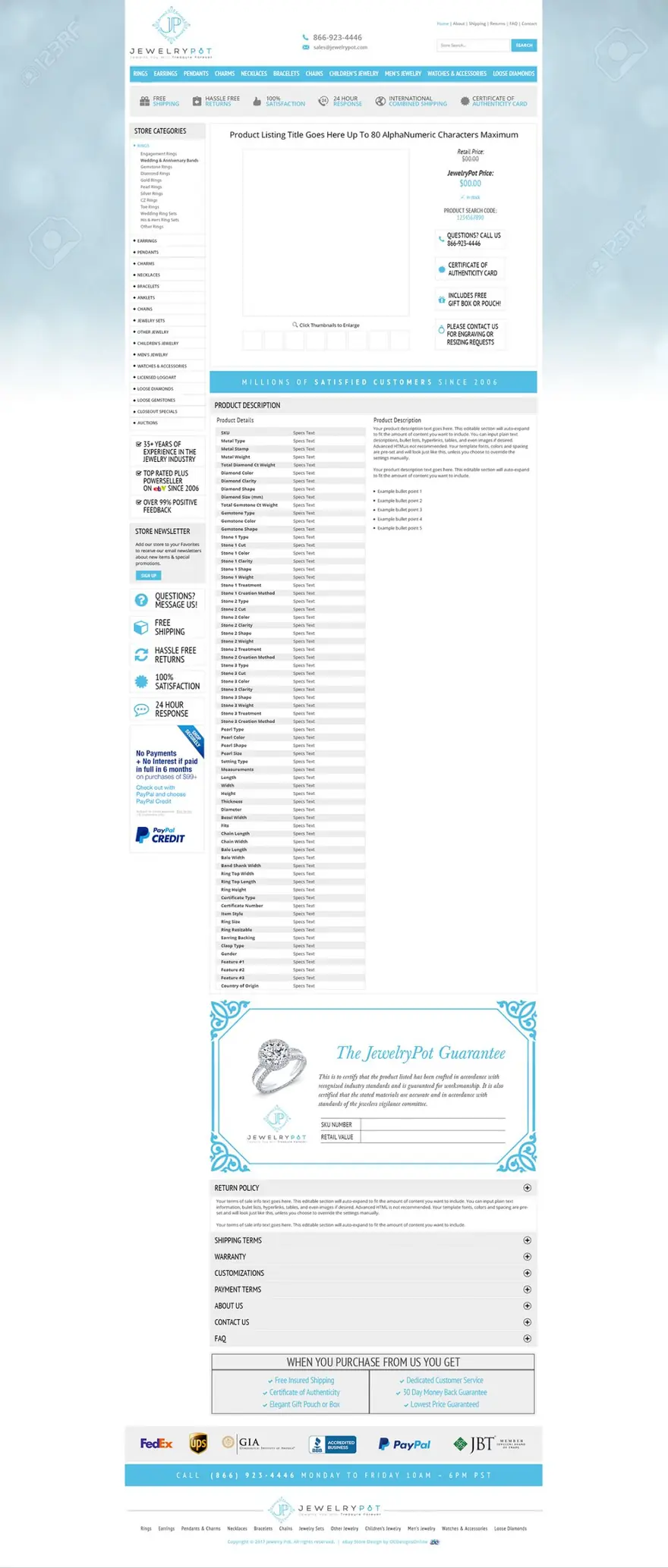
Listing templates we designed for real sellers
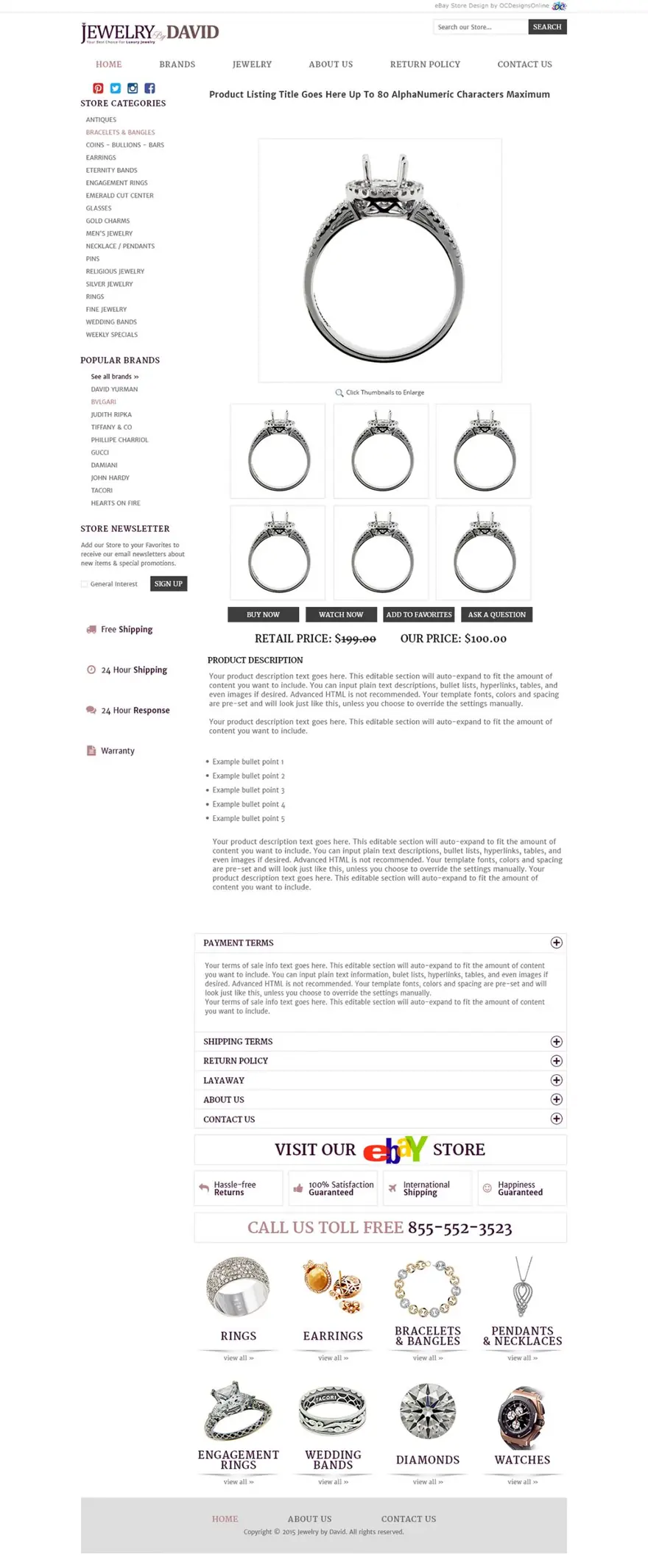
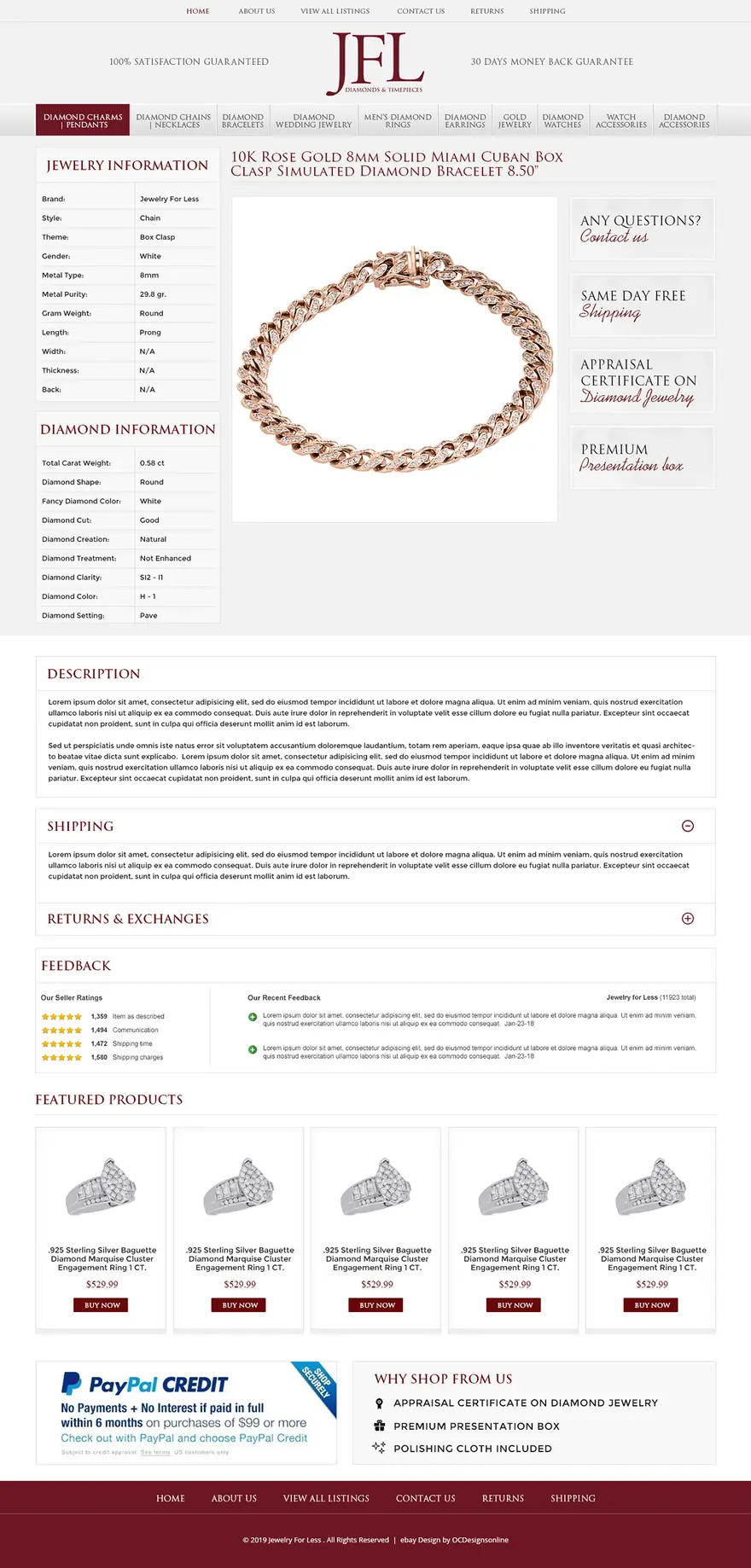
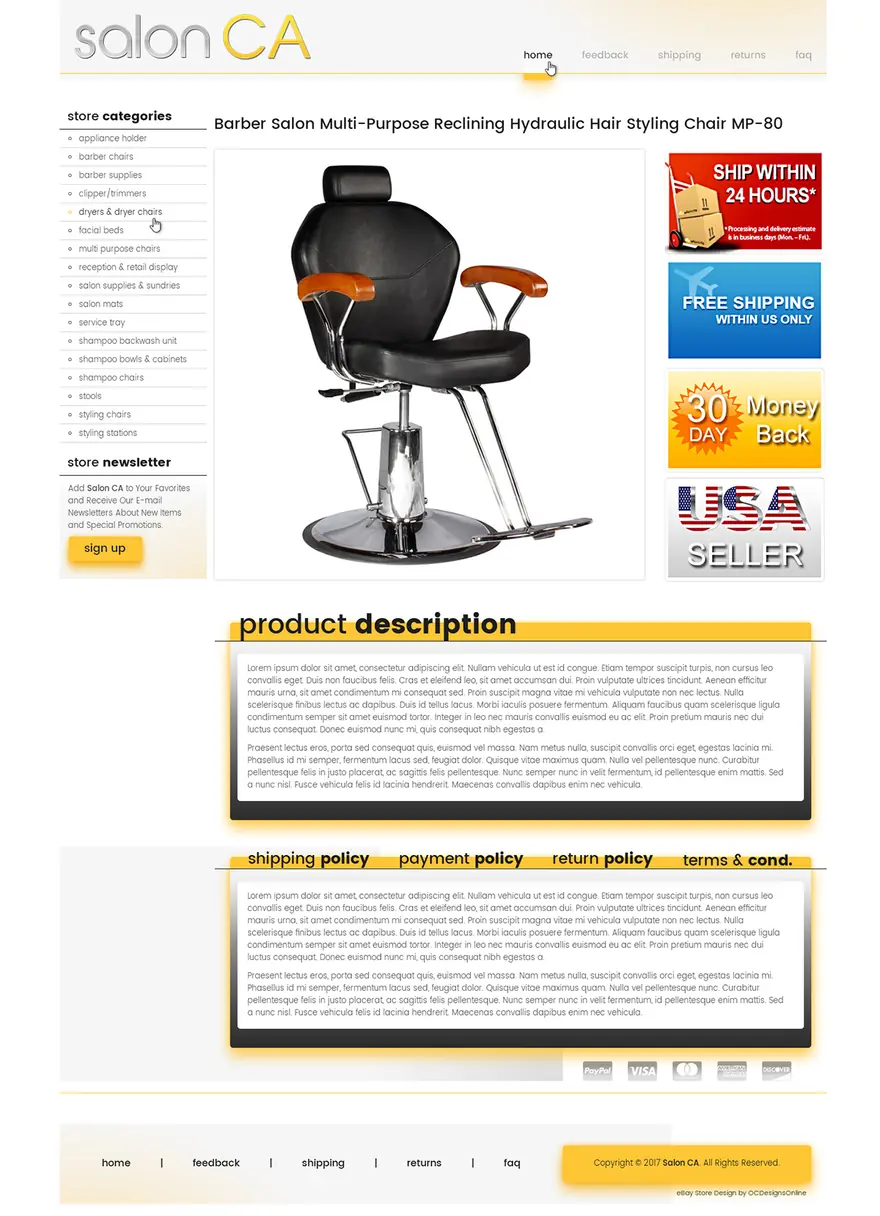
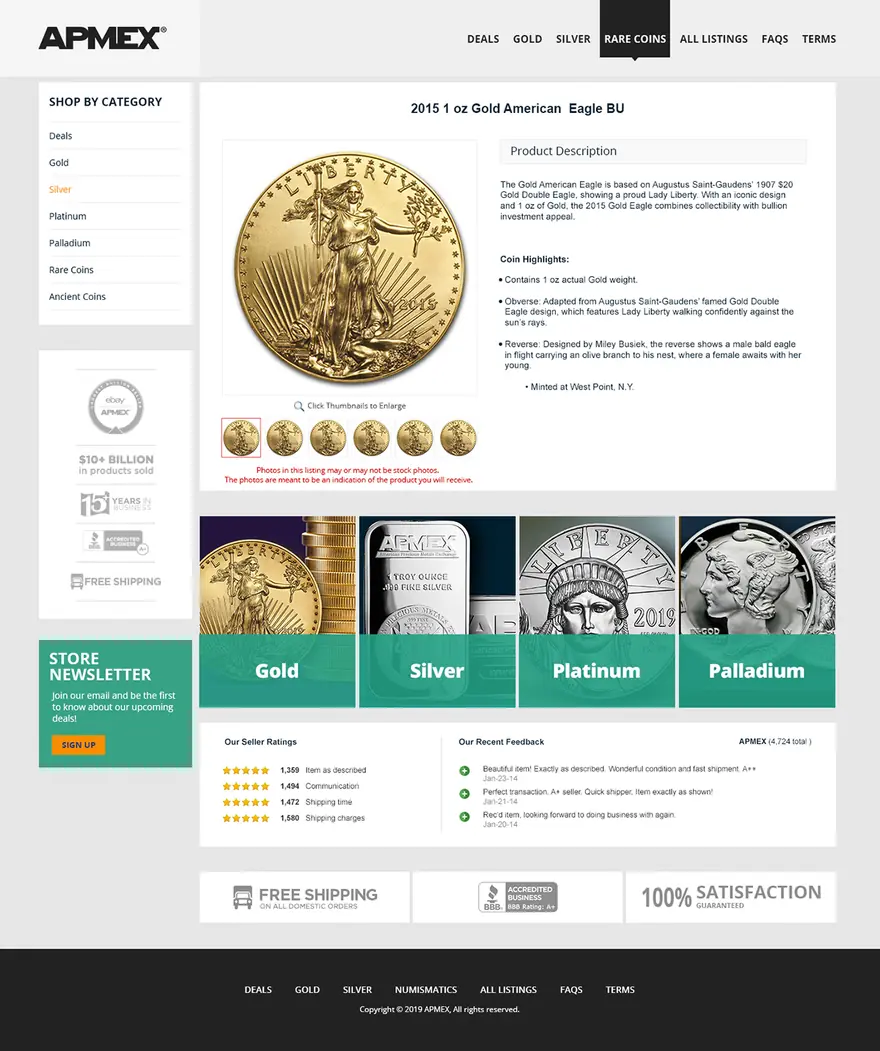
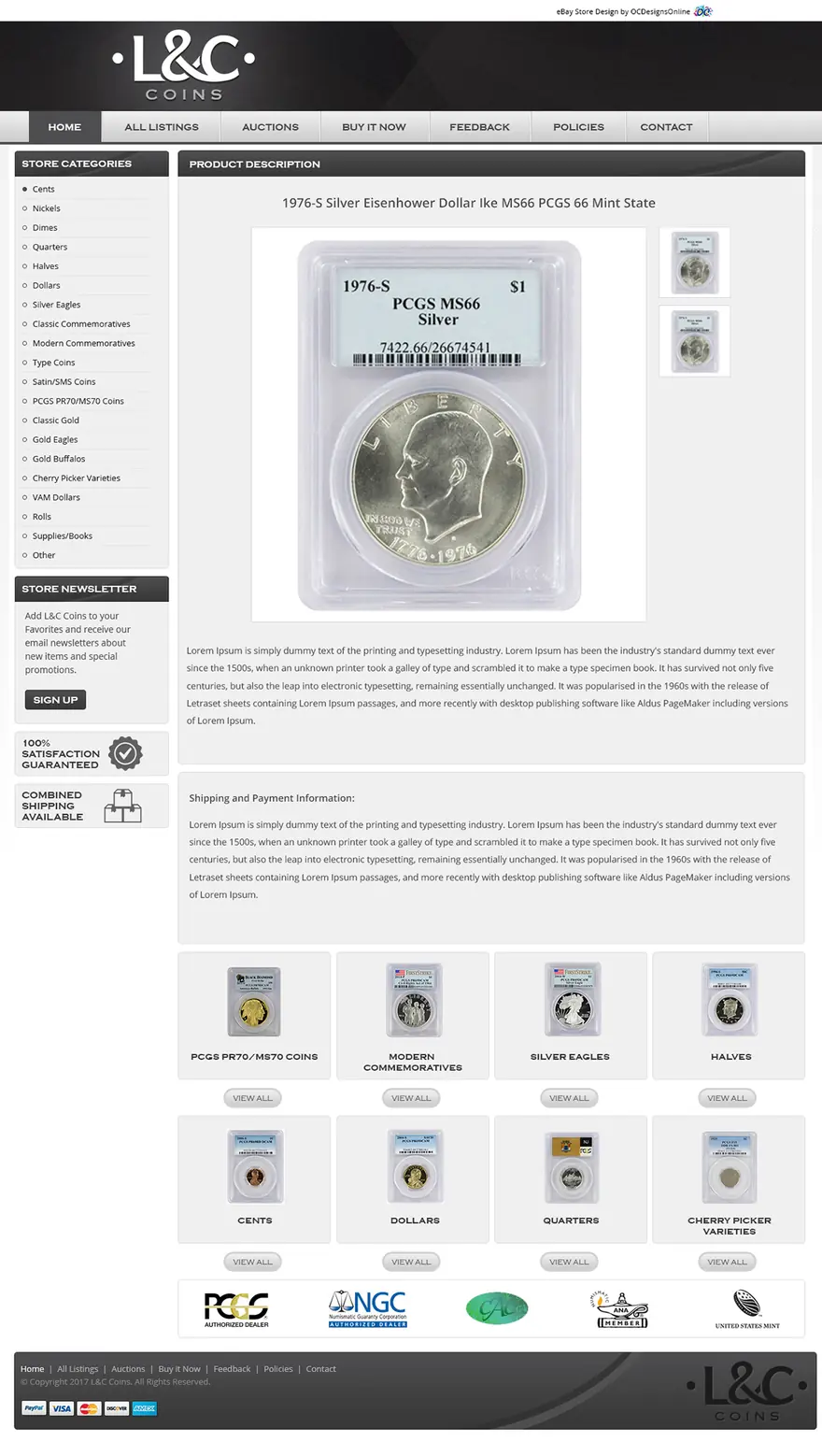
eBay’s rules
What eBay allows in a listing description (as of October 2026)
Every add-on has to fit inside these rules. eBay’s policy lists what is banned rather than what is allowed, so templates stick to plain HTML and CSS, the parts eBay doesn’t restrict.
| In the description | eBay’s rule | How our add-ons handle it |
|---|---|---|
| JavaScript, Flash and plug-ins | Not displayed, removed from existing listings and not allowed in new ones; a listing that contains them gets a “Disallowed JavaScript/HTML Syntax” error | Every add-on is built in HTML and CSS |
| Form actions | Not allowed | Menus made from plain links |
| Pop-ups | Automatic pop-ups are banned; links that open a new window when clicked are allowed | Tool tips that open inside the description |
| Content from other servers | Scripts that call remote pages are banned, and seller tools report that eBay also rejects iframes, meta tags and base links | Nothing loads live; only your images, from a secure address |
| Links | Allowed to other eBay pages such as items, store pages and Follow, product videos, eBay-approved freight services and legally required information, over HTTPS; never off eBay to finish a sale | Menus and item rows that link to your own eBay store and listings |
| Images and files | Must load over secure HTTPS, a rule eBay has applied since 2018 | Graphics on your secure hosting or ours |
| Phones | A base font of 16 px, no fixed widths and no tabs or counters | Layouts made for phones first and tested in the eBay app |
Source: eBay active content policy · eBay links policy · eBay: mobile-friendly listings · eBay: mobile-friendly description guidelines · ChannelX: eBay’s HTTPS deadline, 2018 · M2E Pro: eBay’s disallowed code error
Free preview
See the add-ons on your own listing before you pay
Tell us which add-ons you want and whether you already have a template. We send a free preview on one of your items.
- HTML and CSS only, with no scripts
- Put on your existing listings without relisting
- Unlimited revisions until you approve it
- You own the finished template code
Prefer to talk? (609) 675-0912, Monday to Friday, 9 to 5 ET.
Old add-ons
How to tell if an old eBay add-on has stopped working
Add-ons that relied on scripts rarely announce that they broke. They leave an empty space, or they stop you from revising the listing. These checks find them.
Open a listing on a phone and a computer
Look for empty boxes where a feedback feed or a row of items used to be, menus that don’t open, and photos that no longer enlarge.
Revise one listing
Change nothing and save it. If eBay shows a “Disallowed JavaScript/HTML Syntax” error, the template still contains active content.
Search the code
Open the description’s HTML and search for “script”, “onclick”, “iframe”, “form”, “object” and “embed”.
Check every address
Each image, video and link should start with https://. Older templates often load graphics from plain http addresses.
Check where the links go
Links to your own website or to another checkout aren’t allowed. Point them at your eBay store and listings instead.
Decide what each add-on was for
For each one, choose between rebuilding it in CSS, replacing it with an eBay feature such as store categories or featured items, and removing it.
Source: eBay active content policy · iwascoding forum: listing blocked by eBay’s filter, March 2026
Other kinds of plugin
Looking for a different kind of eBay plugin?
People search for “eBay plugins” when they mean very different tools. This is what each kind does, and where we can help.
| What you’re after | What it is | Where we fit |
|---|---|---|
| Add-ons inside your listing description | Features built into your template, such as zoom, tool tips and menus | This page: we design and build them |
| A plugin that connects your website to eBay | Integration plugins and apps that list products on eBay and keep stock and orders in step | Our marketplace sync for Shopify and BigCommerce stores, and SalesChannelHub, our own software for eBay, WooCommerce and six other channels |
| Listing software with a template designer | Apps that store your templates and send them to your listings | We set our templates up inside the tool you already use |
| Browser extensions for eBay research | Chrome extensions that sort search results or show sales data | Not something we make |
Source: eBay Seller Center: third-party providers · WooCommerce: eBay integration
Old template
Add-on stopped working? Send your eBay store link
We look at your current listings before we reply and tell you which add-ons can be rebuilt and which should go.
- Compliant replacements, or a clean removal
Prefer to talk? (609) 675-0912, Monday to Friday, 9 to 5 ET.
How we work
How we add add-ons to your template
Add-ons go into a template we design or one you already have. We agree on a fixed price before any work starts.
Start with the questionnaire-
Send a listing
Send your store link or one listing, and tell us which add-ons you want or which old ones stopped working.
-
Free preview
You see the add-ons working on one of your own items, on a phone and on a desktop.
-
Revisions
Ask for changes until you approve it. We test every add-on in the eBay app and on desktop browsers.
-
Install
We update the template in your listing tool and on your existing listings, without relisting.
Client words
Sellers say it better than we can
-
We started with an eBay store and eBay listing. This had my sales skyrocket in ways I would have never thought. Taking the same design scheme and moving it to a website makes branding everything tie together.
Modern PrepeBay store, listing template & website
-
Our customers and peers comment all the time about how professional our storefront appears and how clean and crisp our listings are. Most responsive company, delightful to work with. Highest recommendation.
ConnectiblesCustom eBay store
-
OCD is great to work with and very responsive! More importantly they still support you long after the sale.
Jeff ArkelleBay design client
-
We have been working with the team at OCdesigns for the last six years. They are always fast to reply to our requests, and our project manager is always on top of everything to do with our job. Hire OCdesigns, you will not be sorry!
Northern Marine ElectronicseBay & BigCommerce redesign
-
Frannie and OC Designs did an AMAZING job redesigning our Stun & Run Self Defense website. … We were not wrong.
Stun & Run Self DefenseBigCommerce store redesign
-
They were super friendly and open to feedback throughout the entire process. The in-depth questionnaires really helped us relay exactly what we wanted our new site to look like.
Kyrie VanOverWebsite makeover
-
They lived up to their reputation, their claims, their portfolio, their reviews, and genuinely went above and beyond in explaining and guiding us every step of the way. … You will have tremendous success with what is — we can assure you — marginal costs compared to other so-called professionals.
Sprinkler HutShopify & BigCommerce store
-
They are real people in the USA that can be reached in a variety of ways. Yes, they have a phone number and answer their calls!
Modern PrepLong-time client
Good questions
Questions about eBay template add-ons
Something else on your mind? Call (609) 675-0912 and a real person answers.
How our projects workWhat are eBay template add-ons?
They are small features built into the HTML and CSS of your listing template, such as image zoom, tool tips, condition graphics and category menus. They make a description easier to shop without running any scripts.
Are CSS add-ons allowed on eBay?
eBay’s active content policy bans JavaScript, Flash, plug-ins and form actions, and it doesn’t restrict ordinary HTML and CSS, which is what listing templates are made of. Add-ons built that way, with secure images and links only to other eBay pages, fit the rules.
Why did my old eBay plugin stop working?
Most older plugins ran on JavaScript or loaded content from another server. eBay began blocking active content in new listings in 2017 and has since removed it from existing listings, so those features show as empty space or block the listing from being revised.
Can I still show my feedback in my listings?
Not as a live feed, because a description can’t pull data from eBay or anywhere else. Buyers can already see your feedback score and profile from every listing. Some sellers add a few buyer comments as plain text, which is fine as long as they are real and kept current.
Can a listing show my other items automatically?
Not from inside the description. A row of your items can be built as plain images and links, but it changes only when the template is updated. For lists that update by themselves, use your eBay store’s featured items, up to four rows of six, along with store categories and promotions.
Does image zoom work on phones?
Hover doesn’t exist on a touch screen, so the zoom opens on a tap, and we test it in the eBay app before it goes live. Keep your main photos in eBay’s photo uploader as well, at least 500 pixels on the longest side, because buyers see that gallery first.
Can the category menu link to my website?
No. eBay doesn’t allow links that take buyers off eBay to finish a purchase. The menu links to your eBay store categories, which keeps buyers shopping with you on eBay.
Can you add these to the template I already have?
Yes. We add them to one of our templates, or to one from another designer after we have looked at its code. If an old add-on can’t be rebuilt, we remove it cleanly.
Do I have to relist my items?
No. We update the descriptions of your existing listings with the new template, so your listings keep their sales history and watchers.
Do I pay monthly for add-ons?
No. Add-ons are part of your template and quoted once, as a fixed price before work starts. Add-ons have no monthly fee; image hosting is optional.
What is an eBay plugin for WooCommerce or Shopify?
That is a different tool: an integration that lists your website’s products on eBay and keeps stock and orders in step. We build that kind of connection too, through our marketplace sync and our SalesChannelHub software.
Related services
- Custom eBay listing templatesCustom, mobile-first templates in clean HTML and CSS, applied to your existing listings. Free preview.Learn more
- Premade eBay templates271 designs by industry, $399 flat, customized and installed.Learn more
- eBay template generator alternativeA branded listing template with fill-in fields like a generator, set up in your listing tool. Premade or custom.Learn more
- eBay, Shopify & BigCommerce syncTwo-way sync between eBay and your own Shopify or BigCommerce store (catalog, price, quantity and orders), proven on a 70,000-listing catalog.Learn more
Start a project
Let’s make yours the store buyers remember.
- Fixed quote before any work starts
- In-house team in New Jersey, no outsourcing
- Support long after launch
Prefer to talk? (609) 675-0912 · frannie@ocdesignsonline.com